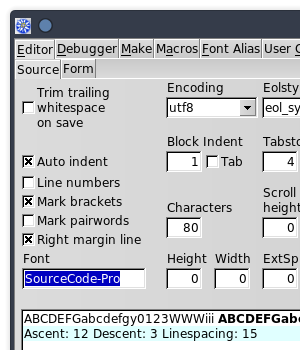
To begin, let’s choose the font for the source editor (the Source window of MSEide).
The font of the source editor can be chosen in the project options.
For example, here is a project where I replaced the default value
(mseide_source) with SourceCode-Pro:
You can also choose the editor’s font in the command line used to
start MSEide. This is done using the --FONTALIAS
option.
Here is the mseide_xxx.desktop file which I use to launch one of the MSEide versions installed on my machine from my desktop. (I chose the Julia Mono font, after reading this interesting page.)
[Desktop Entry]
Version=1.0
Type=Application
Name=MSEide maint
Exec=/home/roland/msegui_xxx/apps/ide/mseide --globstatfile=/home/roland/msegui_xxx/apps/ide/mseide.sta --FONTALIAS=mseide_source,JuliaMono,18 %F
Icon=/home/roland/msegui_xxx/msegui_64.png
Path=/home/roland/msegui_xxx/apps/ide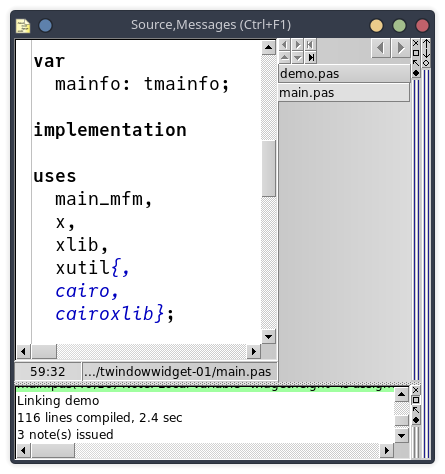
The menu font can be changed in the same way, as follows:
--FONTALIAS=stf_menu,sans,16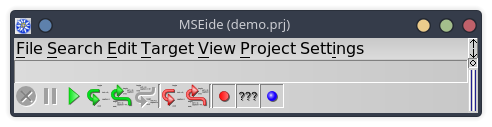
Or:
--FONTALIAS=stf_default,,16I realize while writing this article (and rereading old discussions
in the process) that the --FONTALIAS option works not only
for MSEide, but for all applications based on
MSEgui!
./chessboard --FONTALIAS=stf_menu,courier,20